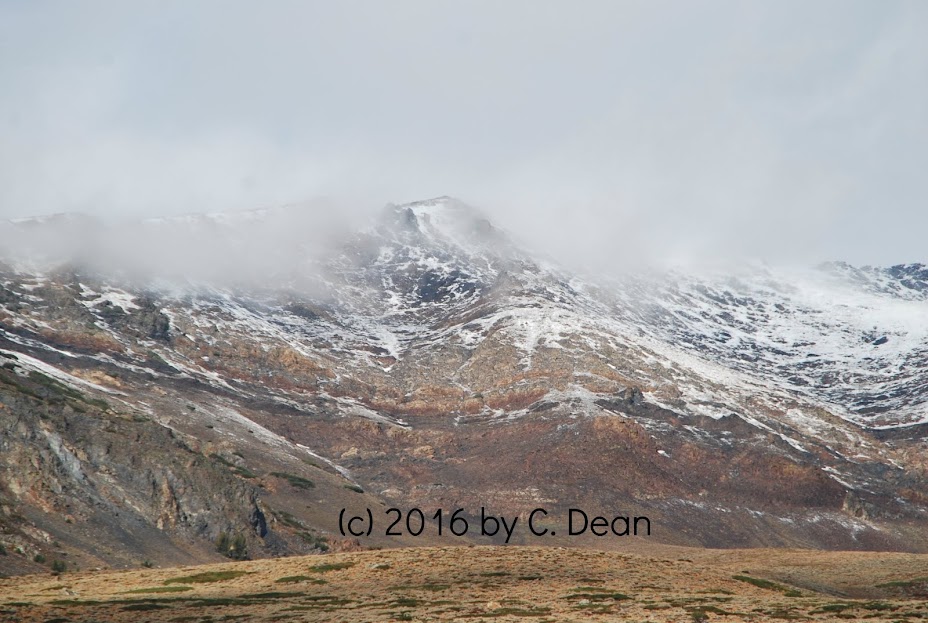
Okay...I googled PicMonkey and found a couple of sites that told me how to "save as you go". Apparently I wasn't seeing the "save" button at the very bottom of the page. MAKE SURE you use a full screen when using PicMonkey!!! Phew! Now that I found the "save" button, I tried a couple more edits (see below)...I'll try to explain each one. Just make SURE you DO save a copy of your original photo! I accidently, on PicMonkey, replaced my original (ACK!), but I had already saved a copy of it using befunky, so I still have it (phew!)...The second photo is one called "papyrus". To me, it looks grainy and fuzzy and I don't like it AT ALL. PERIOD. Ugh! The next one is "frost". Now, I kind of like this one...After "frost" is "paint"...again, it looks too dark. The final one is "smudge"...again, I kinda like this one, but, really, I'm not sure I like ANY of them! If you wish to try out PicMonkey, here's the link:
http://www.picmonkey.com/ You begin by clicking on the square that says, "Edit your photo"...you will upload one of your photos. Then, go to the sidebar and choose the editing option you want. The top symbol has basic edits. The second one down, with the lab bottle, has the effects that I showed you here, lus others. JUST MAKE SURE you save your original photo BEFORE you get started. I renamed mine after the edit and added a ".jpg" to each one to remember it.